Settings
The Settings surfaces are where you manage who MBER watches and how your account works.
Watchlist
Watchlist is your control center for the accounts MBER tracks.
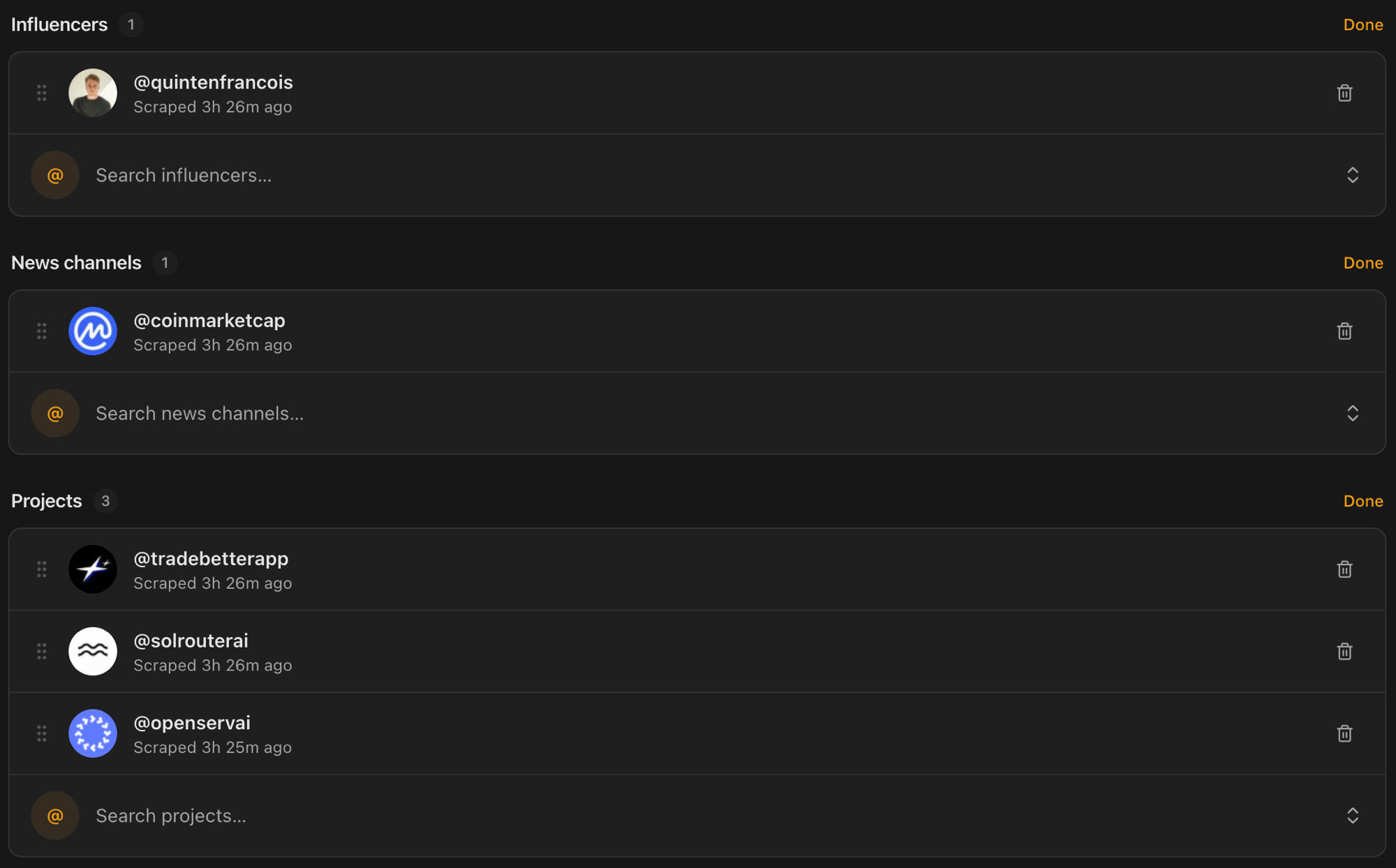
Accounts are organized into sections:
- Profile, your own X account.
- People, the voices you want to learn from.
- Media, sources, channels, and announcements.
- Organizations, the companies, protocols, and products you follow.
Sections are sorted automatically: after an account is scraped, MBER's categorization engine files it as a person, a media channel, or an organization, so you never have to maintain the grouping yourself.
What you can do:
- Add accounts with each section's Add button, which opens the Picker on that category. Type any handle that isn't on MBER yet and add it as a custom entry; its avatar and profile details fill in after its first collection.
- Collect recent posts for a single account, or use Scrape all to refresh everything at once.
- Tune collection in settings: pick a date window, or skip your own profile.
- Watch it happen in the console, a live log of collection as it runs.
- Remove accounts you no longer want with each section's Edit mode.
Each account row shows its followers, how many posts are stored, and when it was last collected, so you always know how up to date your data is. See the Scraping engine for more on the status indicator.
Picker
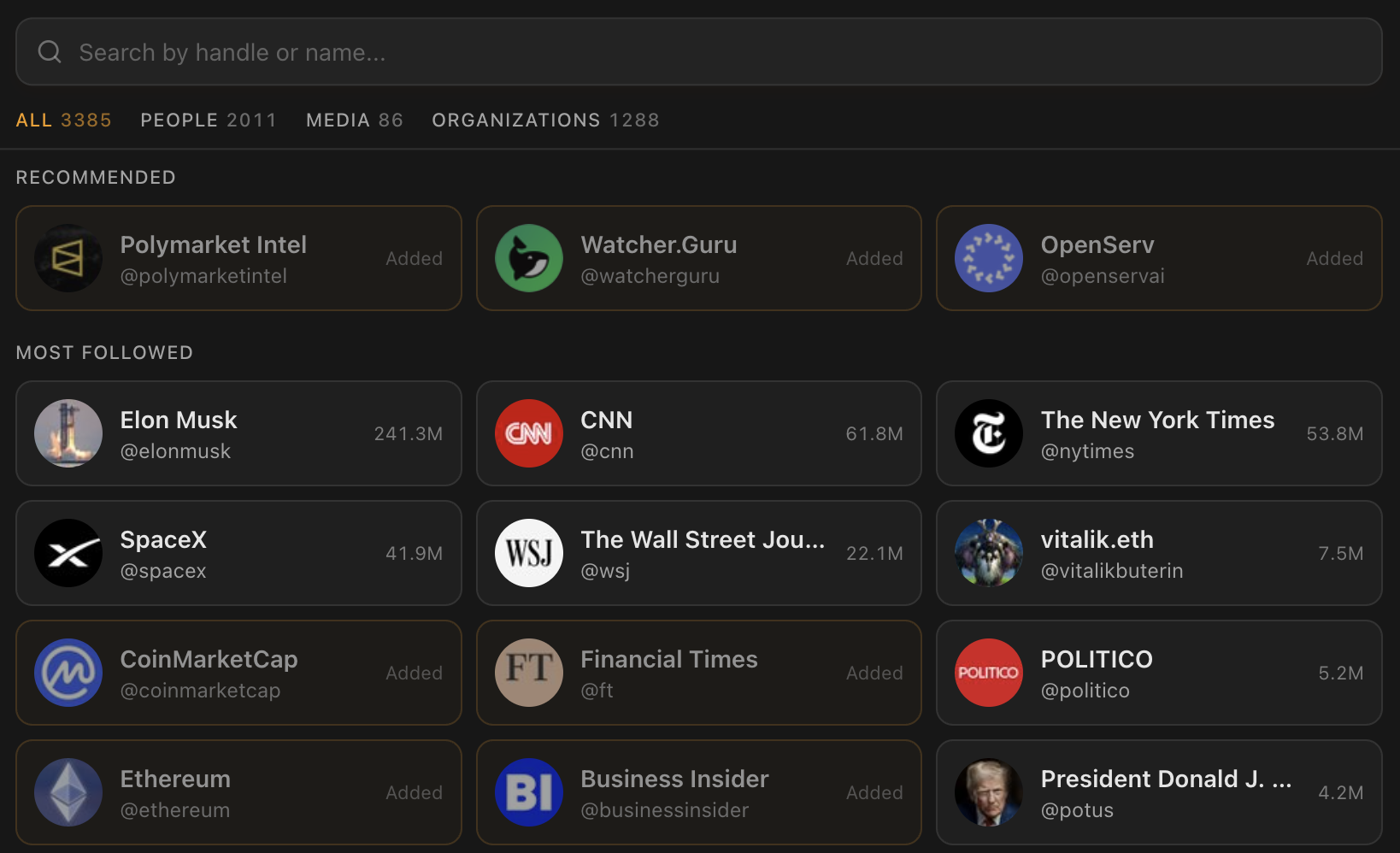
Picker is the fastest way to grow your watchlist. It shows every account already on MBER, biggest first, with search and category tabs. Tap the accounts you want, then add the whole selection in one go; each one lands in the right section automatically.
Profile
Profile is where you manage your writing style and your subscription.
Personality
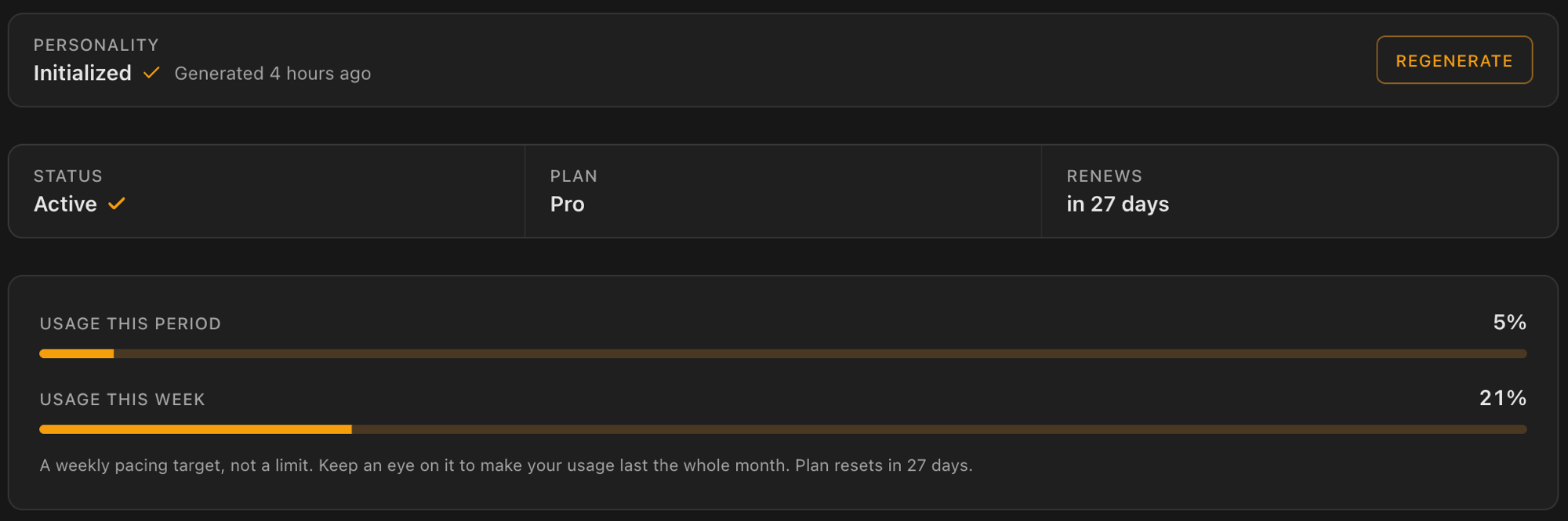
MBER can learn your writing style from your own posts and use it to make generated ideas sound like you. Generate it once you have collected your profile, and regenerate it whenever your style evolves.
Usage and billing
Billing is on-chain in USDC on Base. No credit cards.
- Activate your subscription with a one-time USDC payment to start your plan and a 30-day period.
- Top up any time with fixed amounts, paid straight from your wallet.
- You can also send USDC manually to your receiving address; payments confirm in about a minute and show up in your history.
A stats bar shows your plan, status, when it renews, and your usage this period and this week. Top-ups add to your plan automatically once payment confirms.
You will be prompted to connect your wallet and switch to Base if you are on another network. Only Base mainnet is supported for payments.